
-1.png?width=1764&height=1235&name=image%20(2)-1.png)
Plan Creation for Steel Engineering
When generating individual parts and assembly drawings with the support of the Drawing Management, the parts can now be derived with all linked documents (such as production drawings, or general documents such as PDF, DXF/DWG drawings, and CAM data). The assemblies and parts can be derived from the existing drawing or from other projects. For this purpose, two new functions are available on the Drawing Management Ribbon: "Derive article masters and linked drawings of the active assembly" and "Derive article master selected via HELiOS". In both cases, the parts are derived with all linked data.
Watch the Tutorial
Automatic Connections for Steel Engineering
Improve your joints and connections, and make use of the standards catalogue and the steel engineering libraries of HiCAD. Whether DAST connections or your own connections are created as required, you will have everything you need for a load-bearing structure at your disposal. Welded and special beams and profiles can be automatically adapted to changing installation situations - according to the motto: "No connection, no neat finish".
Watch the Video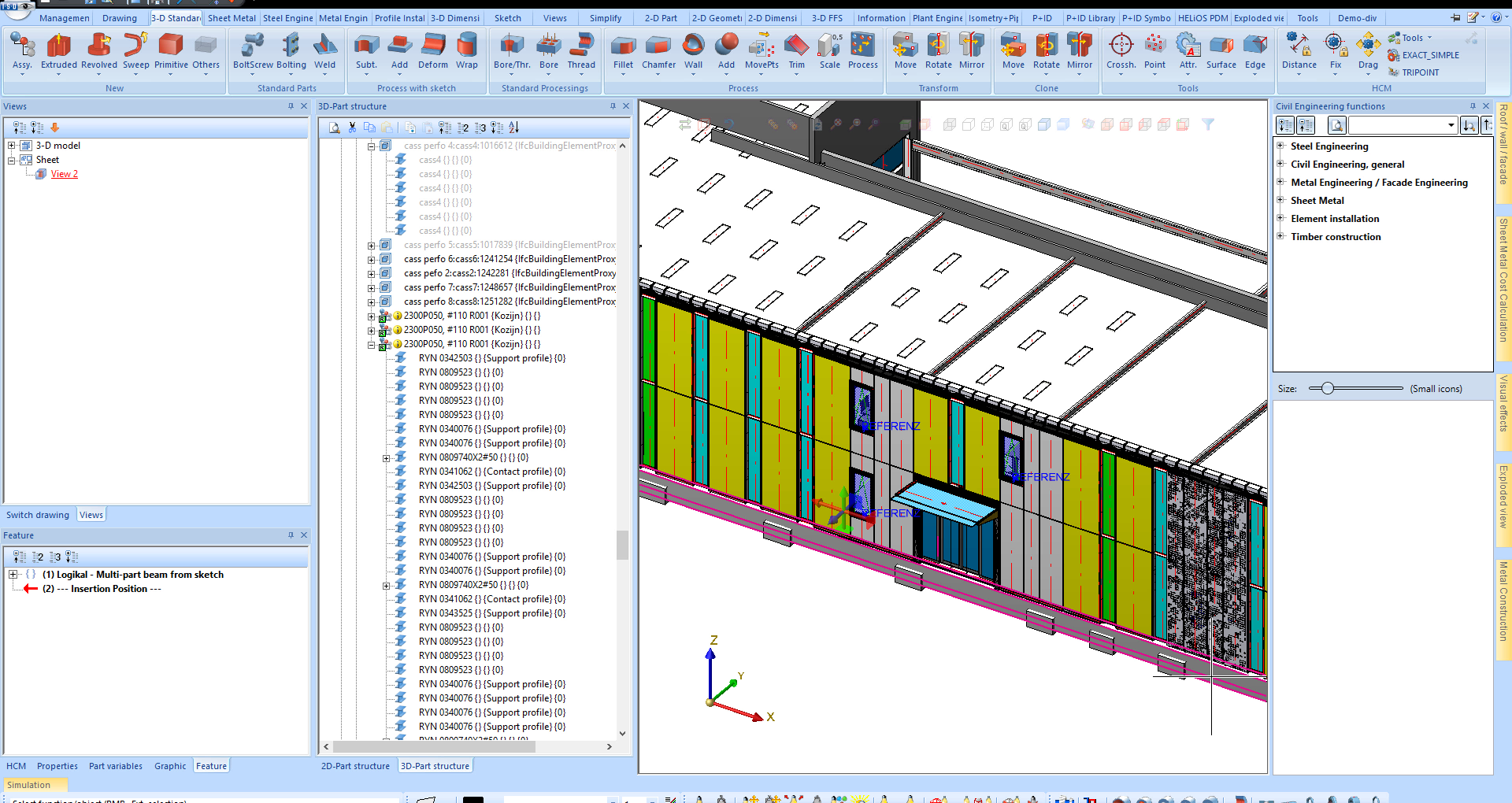
Workshop Drawing and Bill of Materials available at the Push of a Button
Create your drawings rapidly and easily: Get your workshop drawing at the push of a button, with development, blank, and 3-D view - of course, complete with designations and dimensions. Other production documents, such as BOMs or overbend tables, are also generated automatically in HiCAD.
Watch the Video